


First steps
Colors, shapes, matches, movement on the screen, prime numbers and tasks with few steps.
Activities for children aged 2-4Zivaro Kids is an English learning app with short interactive activities for children ages 2–12. Kids practice language, early math, memory, logic, creativity, and computer skills through play.
Ten benefits, one learning experience
Short answer for parents
Zivaro Kids is a playful English learning environment for children. Instead of long worksheets, the child encounters focused interactive tasks: matching, numbers, letters, sequences, memory, puzzles, creation and getting to know the world.
Everything in Zivaro's world
At Zivaro, diverse worlds of numbers, language, music, science, creation, strategy and more await children. Open each world and find out what you can practice in it.
Numbers, quantities, counting, addition, subtraction, multiplication, division, fractions, shapes, comparison, series and problem solving.
Mazes, tangrams, matching, building a model, finding details, sequences, arranging steps and drawing conclusions.
Finding pairs, remembering pictures, numbers, sounds and melodies, following a sequence and distinguishing details.
Letters, sounds, word recognition, completing a missing letter, matching a picture to a word, typing and writing practice.
Experiments, electricity, energy, light and color, water, animals, the human body, maps, countries, continents and sites in the world.
Games that ask you to think a step ahead, choose a move, anticipate a reaction and change a plan.
Pointing, clicking, dragging, line tracing, hand-eye coordination, and gradual mouse or touch control.
Identifying musical instruments and notes, playing the piano, free drawing, creating on a grid, mixing colors and visual discrimination.
First introduction to keyboard, keys, interface selection, multiple choice questions and basic computer operations.
Not only what you learn - also how you play
From short and clear action to a longer game that asks you to think, plan and try again.

Start in a place that suits the child
Age is a starting point, not a label. The final choice depends on experience, interest and the amount of help the child needs.
Colors, shapes, matches, movement on the screen, prime numbers and tasks with few steps.
Activities for children aged 2-4Letters, counting, sequences, memory, mathematical thinking and the habit of solving a task independently.
Activities for children aged 5–7Strategy, arithmetic, science, logic, computer skills and multi-step tasks.
Activities for children aged 8–12Just start
Each activity focuses on one clear action. The child understands what to do, tries, receives a response from the game and continues at a pace that suits him.
Start with a task that fits the current stage and the field that interests the child.
Focused instruction, clear screen and action that can be understood without unnecessary burden.
You can practice again or switch to another activity in the same learning world.
Compulsory kindergarten and the transition to school
Before first grade, you can learn letters, practice numbers, recognize sequences, work on memory and get used to listening to short instruction. Zivaro offers a playful way to practice — not a test, diagnosis or substitute for a teacher.
One clear moment, not a busy screen
In each activity the child meets one goal that can be understood, an action that can be performed and feedback that immediately shows what happened. This way you can experiment, correct and continue without turning the screen into a list of instructions.
This is how one game moment progresses
Short instruction and focused screen make it clear what to find, move, complete or select.
Tapping, dragging, typing, listening or planning transforms the child from a mere observer to an active participant.
The feedback helps to understand if the action was appropriate, correct when necessary and continue to the next challenge.
The activities combine different ways of participation without presenting the child with everything at once.
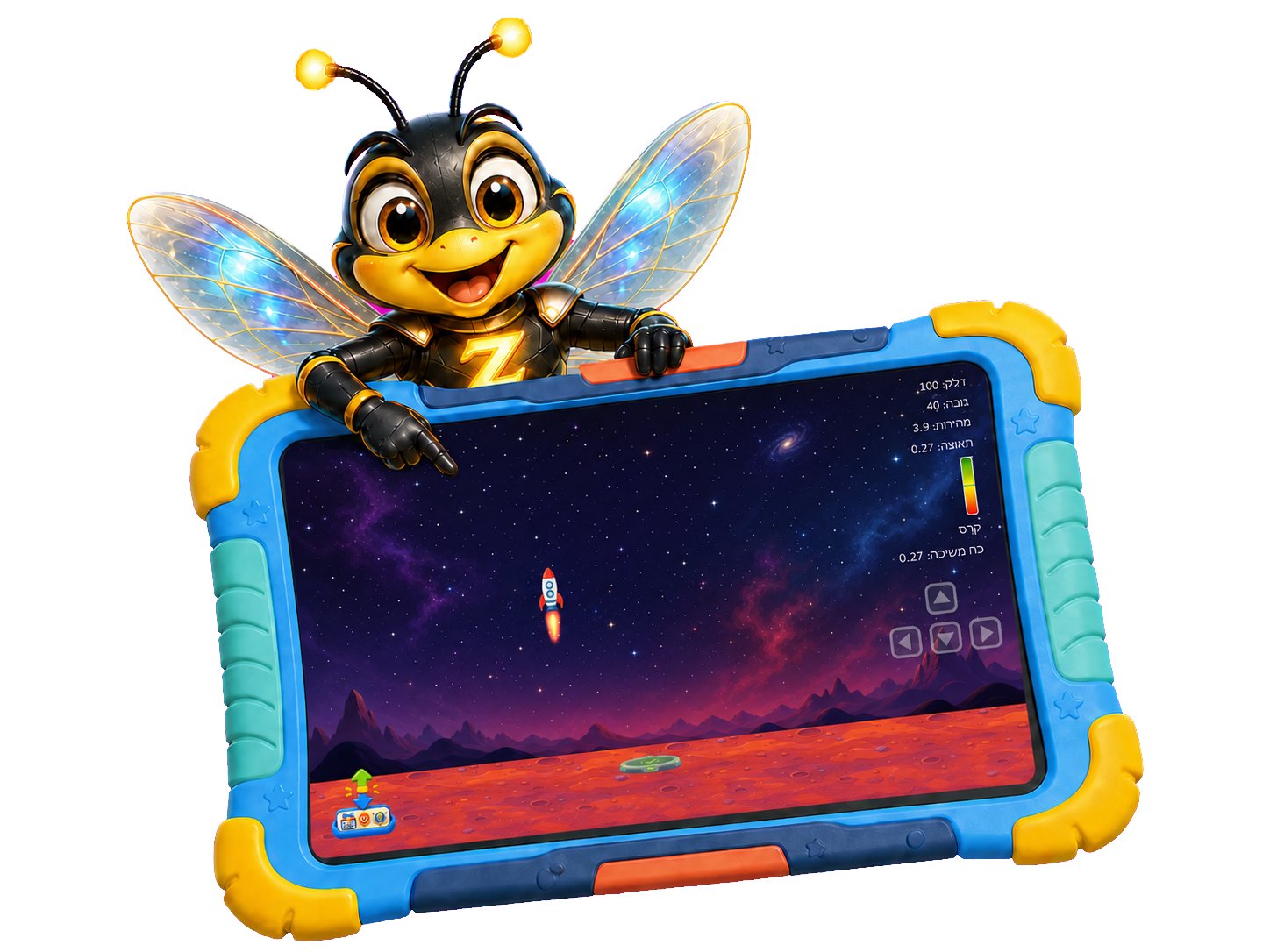
A learning experience on a big screen
On a tablet, games are played across the screen (landscape). At least an 8-inch screen is required, and for a comfortable and clear experience, a 10-inch or larger tablet is recommended.
Mark an interest in the tablet in the formThe adventure begins here
Leave details and we will update you when the opportunity to participate in Zivaro Kids test opens. Filling out the form is not a purchase and is not binding.
Clear answers before joining
Everything you need to know about ages, activities, devices, and early access.
The intended age range is 2–12. The activities will be presented according to age, skill and level of complexity, so as not to present the same route to young children and older children.
Not yet. You can currently join the early access list and receive an update when access opens.
Zivaro supports Windows PC and Android devices. On a tablet, a screen of at least 8 inches and a landscape display is required; A 10-inch or higher screen is recommended for a more comfortable experience.
Details of prices and routes will be published later. Those who join the early access list will receive an update when the details are available.
Zivaro has 200+ activities planned in nine learning worlds: numbers, language, logic, memory, science, geography, music, creativity, strategy and computer skills.
You can start by age, skill or level of complexity. Age is only a starting point; You should also consider experience, interest and the amount of help the child needs.
No. Zivaro can be used on a Windows PC or compatible Android device. The interest in the tablet in the early access form is only a possibility and does not require a purchase.
A screen of at least 8 inches is required and the game is played in landscape view. For a more comfortable and clearer experience, a 10-inch or larger tablet is recommended.
No. Joining the early access list is not a purchase and does not require payment. It allows you to receive updates and express interest in testing the app.
The first 50 participants to be selected for the test group will receive full access during the test period, and after its end one year of free use, in accordance with the terms of the beta program to be published.
No. Zivaro is a playful practice environment designed to strengthen curiosity and skills at home. It is not a test, diagnosis or substitute for professional instruction.