
 Diverse content worlds
 Different game modes
 Levels and Challenges
 Independent progress


 understand the purpose
58 Math
Numbers, operations, money, time, fractions, measures and weight.
for mathematicsThe Zivaro library contains more than 200 short interactive activities. This page shows how they are grouped and how parents can choose a useful starting point by skill or age.
The Zivaro library offers more than 200 activities for children aged 2-12 — from short introductory activities to puzzles, experiments and deep strategy games. You choose a starting point according to age, world of content or skill, and the child progresses at a pace that suits him.
In every activity the child receives a clear goal, acts on his own and immediately sees what happened. You can continue, correct or try again - at a pace that suits the child, without grades and without pressure.
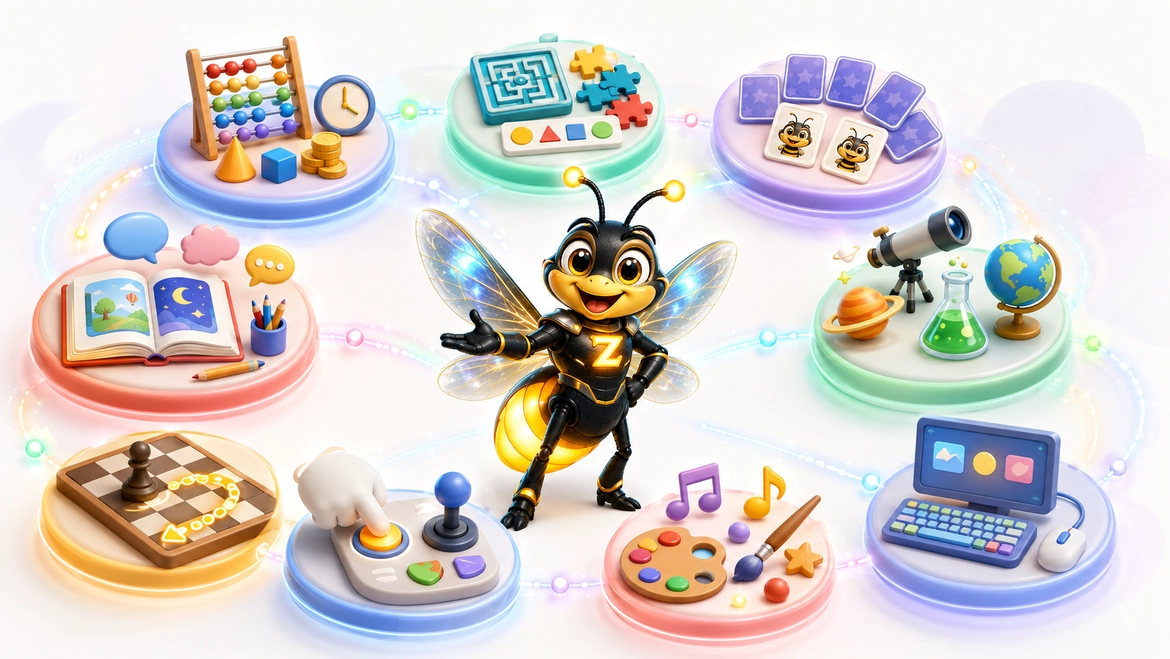
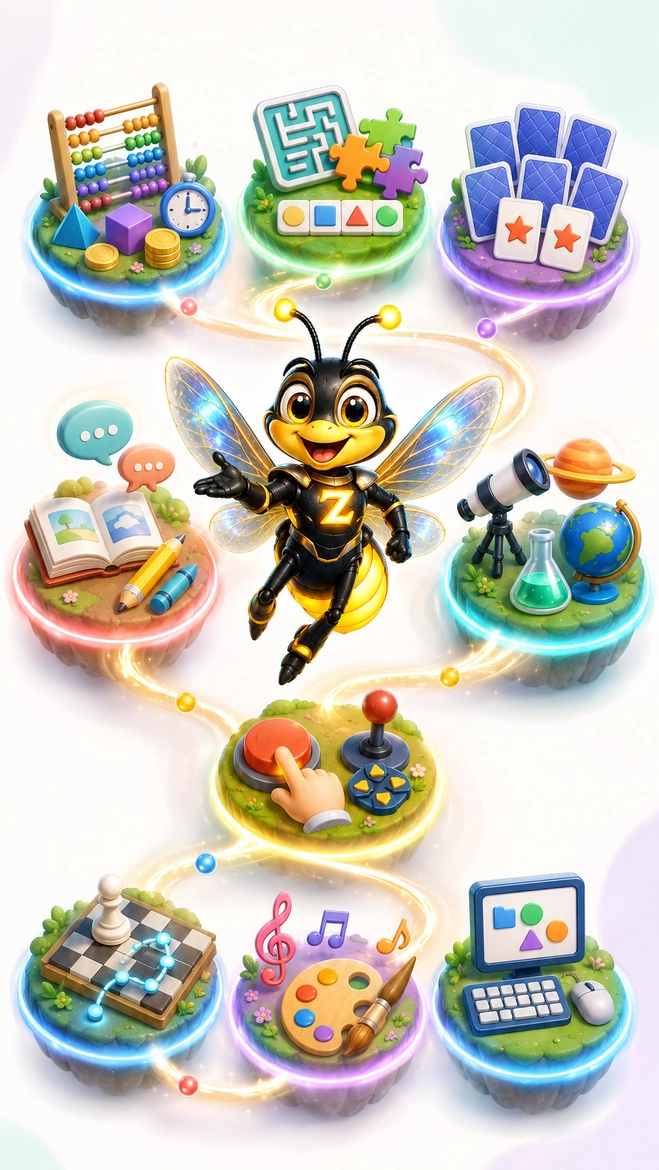
The library map
Numbers, operations, money, time, fractions, measures and weight.
for mathematicsMazes, models, puzzles, routes, space and inference.
to logicPictures, sounds, location, letters, numbers and actions.
to memoryLetters, words, spelling, reading, sentences and typing.
in EnglishElectricity, water, energy, space, maps, animals and history.
to scienceChess, checkers, board games, planning and playing for two.
for strategyTap, click, drag, track, scroll and screen gestures.
to controlNotes, Piano, Drawing, Color, Grid and Shapes.
for creativityKeyboard, typing, navigation, selection and independent task.
for PC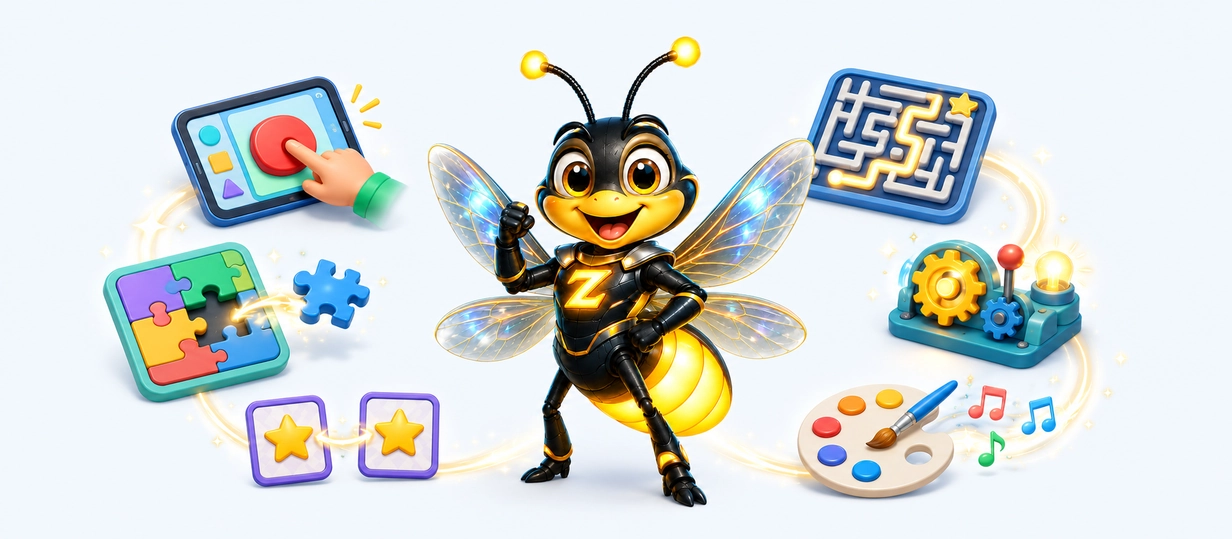
Game types and action
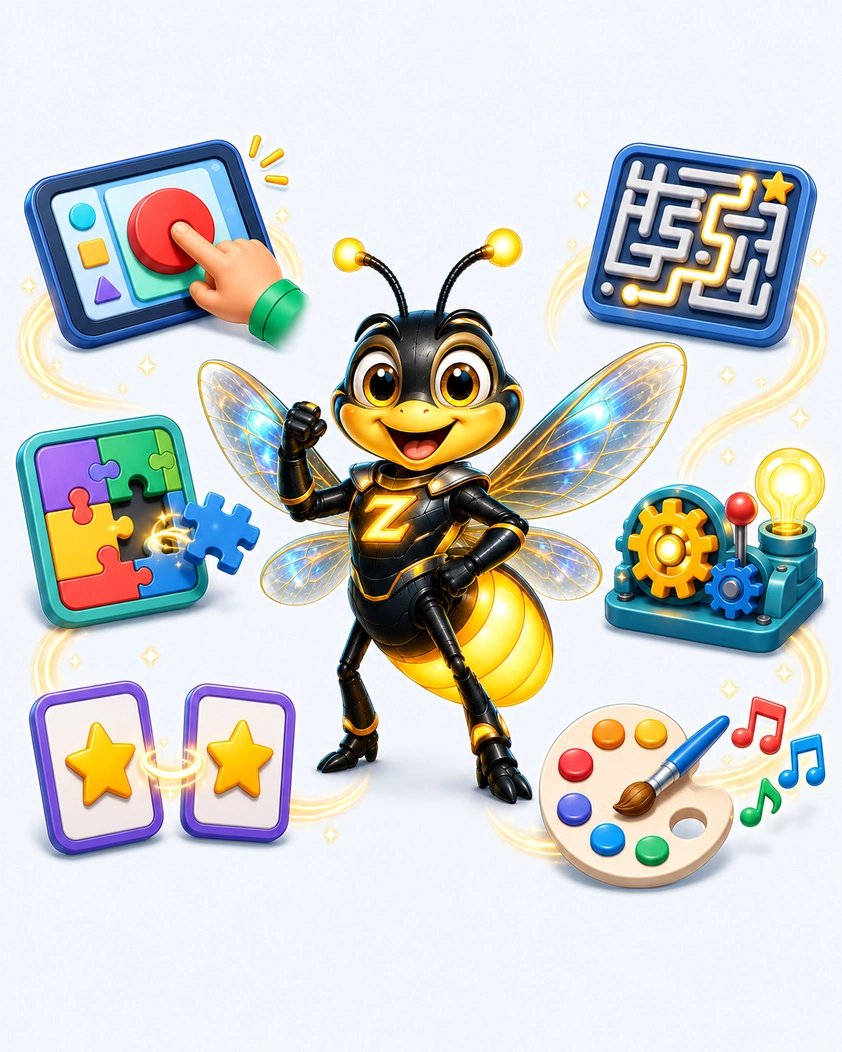
The same topic can turn into a different experience each time: quick selection, construction, listening, investigation or planning. The change in the way of operation helps the child to practice different skills without feeling like he is repeating the same task again.
The child identifies a target on the screen, chooses an answer or uses the keyboard and arrows. The direct action strengthens accuracy, hand-eye contact and confidence in using a computer and tablet.
Move items to the right place, group according to a rule and connect parts to a whole picture. This is how you practice relationships in space, distinguishing details and planning the order of actions.
Looking for pairs, remembering a location, listening to a sound and comparing sequences. The activities invite you to observe, keep information in mind and check what has changed.
In mazes, board games and multi-stage puzzles, the child chooses a move, checks the result and updates the plan. There is no need to rush - you can think and try another way.
In simulations and experiments you change a value, activate a mechanism and immediately see what happened. Thus curiosity becomes a small hypothesis that can be tested, corrected and tried again.
Drawing, paint and music give room for personal choice, and games for two add turns, rules and feedback to another player. Not every activity has only one answer.
One activity can combine several ways of playing together — for example listening, remembering and then dragging to the right place. The combination varies according to age, goal and challenge level.
Questions about the activity library
No. Choose activities according to age, level of difficulty, interests and the amount of help the child needs.
No. There are short tasks of a few minutes, as well as puzzles, experiments and strategy games that require more time and planning.
You can start on the appropriate age page or choose a world of content that interests the child. It is recommended to start with a simple task and progress gradually.
Young children may need a little help at the beginning of the activity. The goal, the buttons and the feedback are built so that later the child can act more independently.
You can try again, choose an easier activity or switch to a different way of playing. There are no grades and no penalty for an unsuccessful attempt.
No. There is also logic, memory, science, geography, music, creativity, strategy, motor skills and computer skills.
Yes. An activity can combine, for example, listening, memory, hand-eye coordination, planning and problem solving in the same task.
Yes. There are simple introductory activities alongside more complex tasks with several steps, more details or the need for advance planning.
Yes. You can reach the activities through the worlds of skills, through the age columns or according to the type of game the child prefers.
Yes. The library has board and strategy games for two, alongside most of the activities intended for independent practice.
Yes. Zivaro supports Windows and Android. On a tablet, games are played in landscape mode.
Go to the early access page to familiarize yourself with the terms of joining and find out how to receive updates on the opening of access.
Join Early Access


 personal pace


