
Lateral view
The horizontal screen gives space for activity, instruction and buttons and displays more information without unnecessary scrolling.
Zivaro Kids brings English learning games to Android tablets in a landscape format designed for clear, focused interaction. Here is what families should know before choosing a device.
Zivaro runs on Android devices and Windows PC. On a tablet, games are played in landscape view across the screen. A screen of at least 8 inches is required, and for a comfortable and clear experience a 10-inch or larger tablet is recommended.
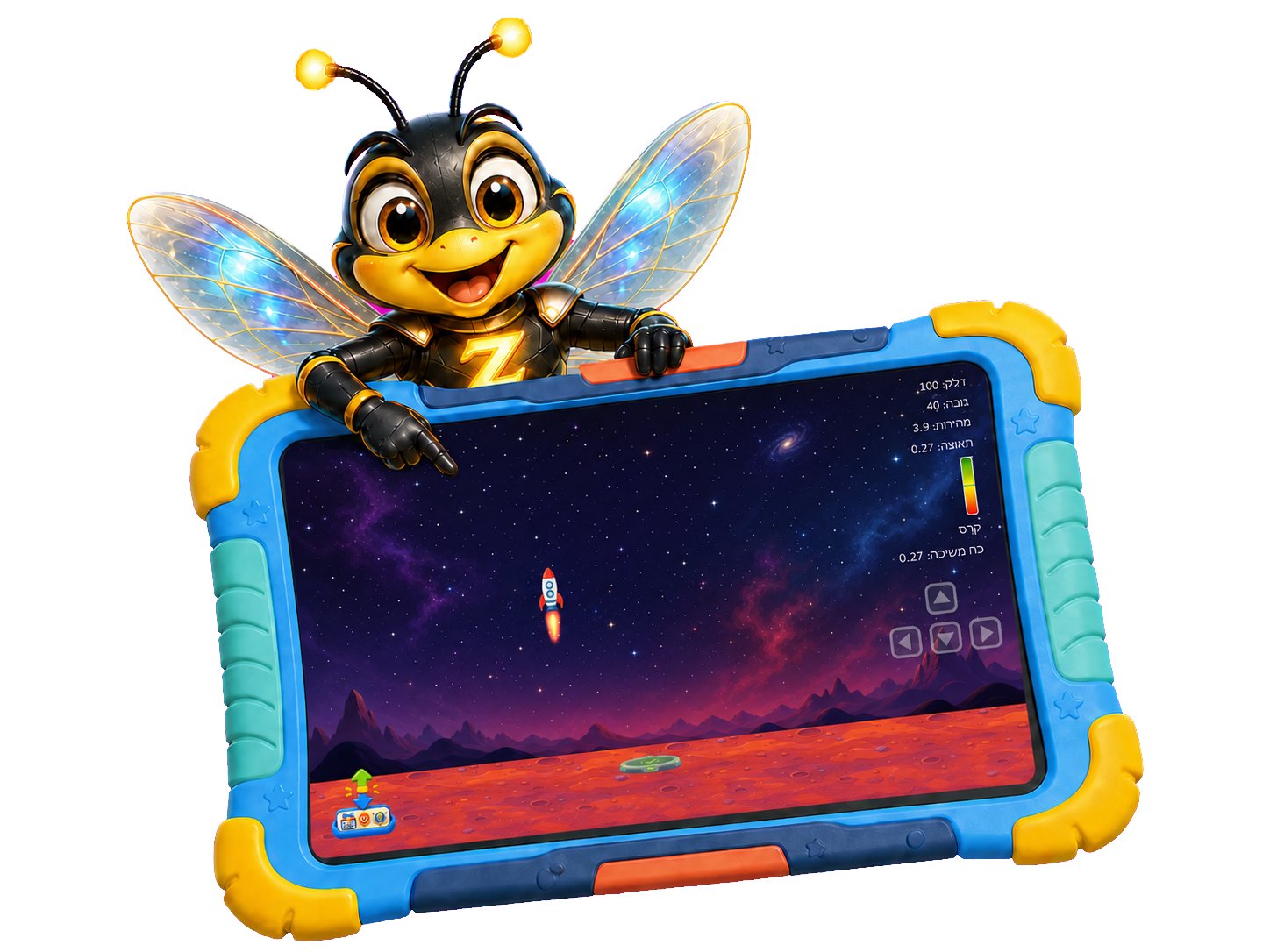
A larger screen leaves room for teaching, the game area and clear buttons without crowding the content. It is especially comfortable in drawing activities, drawing, maps, electric circuits and board games.
The tablet is a tool, the activity is the main thing
The horizontal screen gives space for activity, instruction and buttons and displays more information without unnecessary scrolling.
Tapping, dragging, drawing and pinching connect the movement of the hand to what is happening on the screen.
Each activity presents a defined goal and feedback that allows you to understand whether to continue or try again.
An adult can demonstrate a first step, and some activities allow for play with a friend or family member.
Those who want to practice both keyboard and mouse can use Zivaro on a Windows computer.
Age is a starting point. Choose according to level, interest and the degree of help the child needs.
Questions about devices
Zivaro is designed for Android devices. On a tablet, a screen of at least 8 inches is required.
The tablet experience requires a screen of at least 8 inches, so a regular phone is not the recommended device.
Yes. Zivaro also supports Windows PC.
10 inches and above is recommended for a more comfortable and clearer experience.
In the early access form you can mark an interest in purchasing a tablet.
Go to form